
Introducing Portal
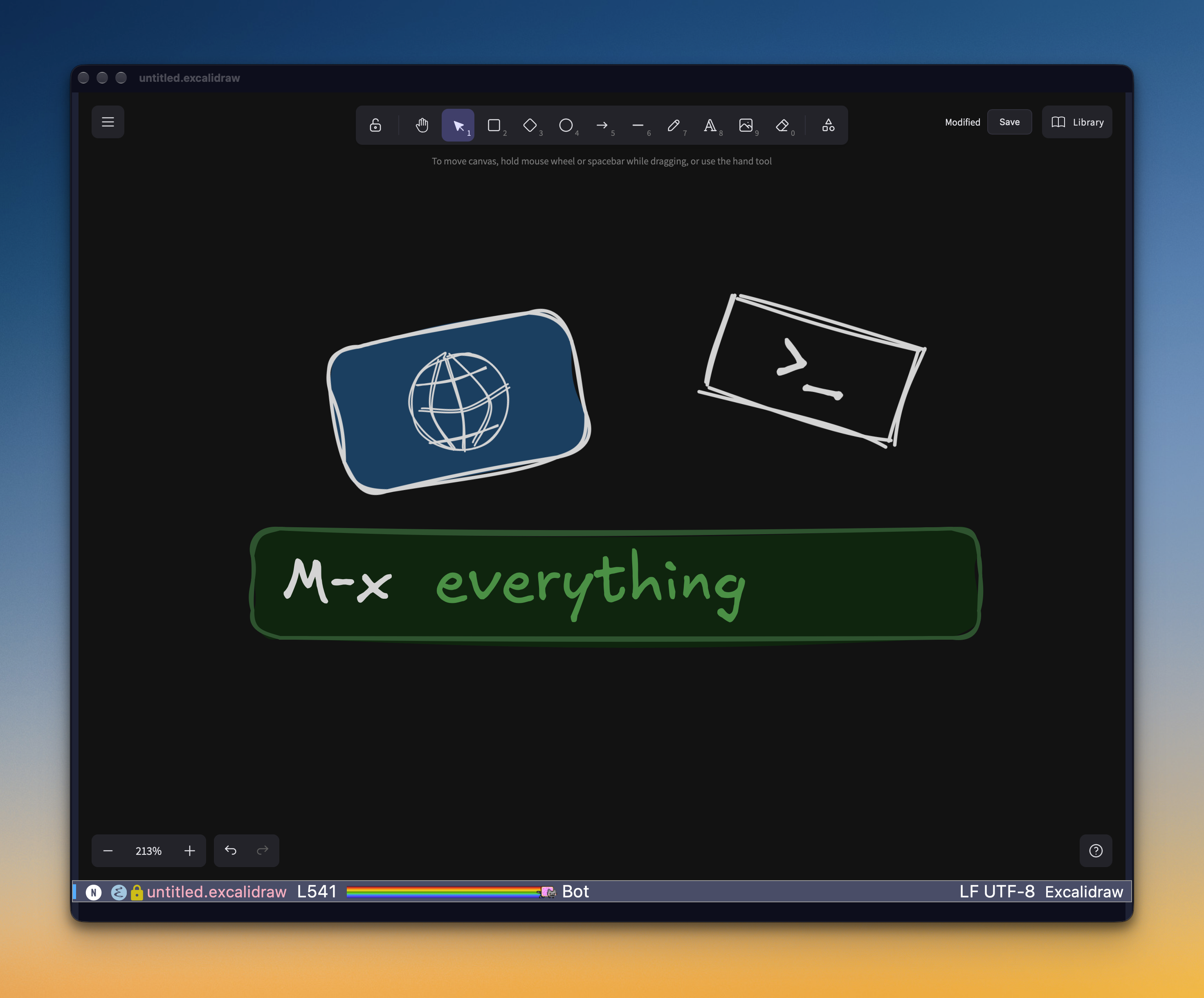
I wanted to draw a quick diagram without leaving Emacs. I ended up with Ghostty inside Emacs.
It started with a drawing. I wanted to sketch something quickly in Excalidraw, and I didn't want to switch to the browser every time I do that. I want to stay inside Emacs. That's the whole point of everything I've been doing lately.
Emacs does have an answer for this: xwidget-webkit, a web view embedded in a buffer. On macOS, it doesn't work very well. So, same as last time: screw it, I will make it myself.
- Portal
- native macOS views inside Emacs panes. It's open source, on GitHub.
A web view first
The first piece was a dynamic module that puts the native macOS web view (WKWebView) inside an Emacs pane. It's fast, it's the same engine Safari uses. The view belongs to a buffer and follows it around: splits, resizes, other frames. Hide the buffer and the page keeps running in the background.
A web view alone only shows URLs, though. So I bundled a small Bun server as a backend that serves web apps to those views. Excalidraw runs offline now, and once that was in place it was clear any web UI could live inside Emacs. That was the moment it stopped being an Excalidraw hack.
Previews
Once there's a web view in Emacs, previews come almost for free. Two of them turned out to be really useful: Markdown and HTML. Both are because of agentic coding.
Agents write a lot of Markdown files, and they love tables. Tables look ugly in Emacs. I tried all kinds of Markdown modes, and none of them beats a plain web view. So now a Markdown file opens as a rendered page, served by the Bun backend, with a table of contents and an Open in Emacs button when I want the source.
HTML is the other one. When I ask an agent for a mockup, I get a single HTML file with everything inlined. Before, that meant opening it in the browser. Now I preview it right in Emacs, next to the code, and most of the time the mockup is even interactive. Very nice.
Then the terminal
My day looks like this: Ghostty is where I run coding agents, Emacs is where I do version control, code review and some light editing. Two apps, and I switch between them constantly. It's annoying.
The obvious fix is a terminal inside Emacs, and I've tried them. They are all a bit sluggish, even the fast one I was using before Portal, which is built on Ghostty's terminal engine. The parsing is fast, but every frame still gets drawn through the Emacs UI, and you can feel it.
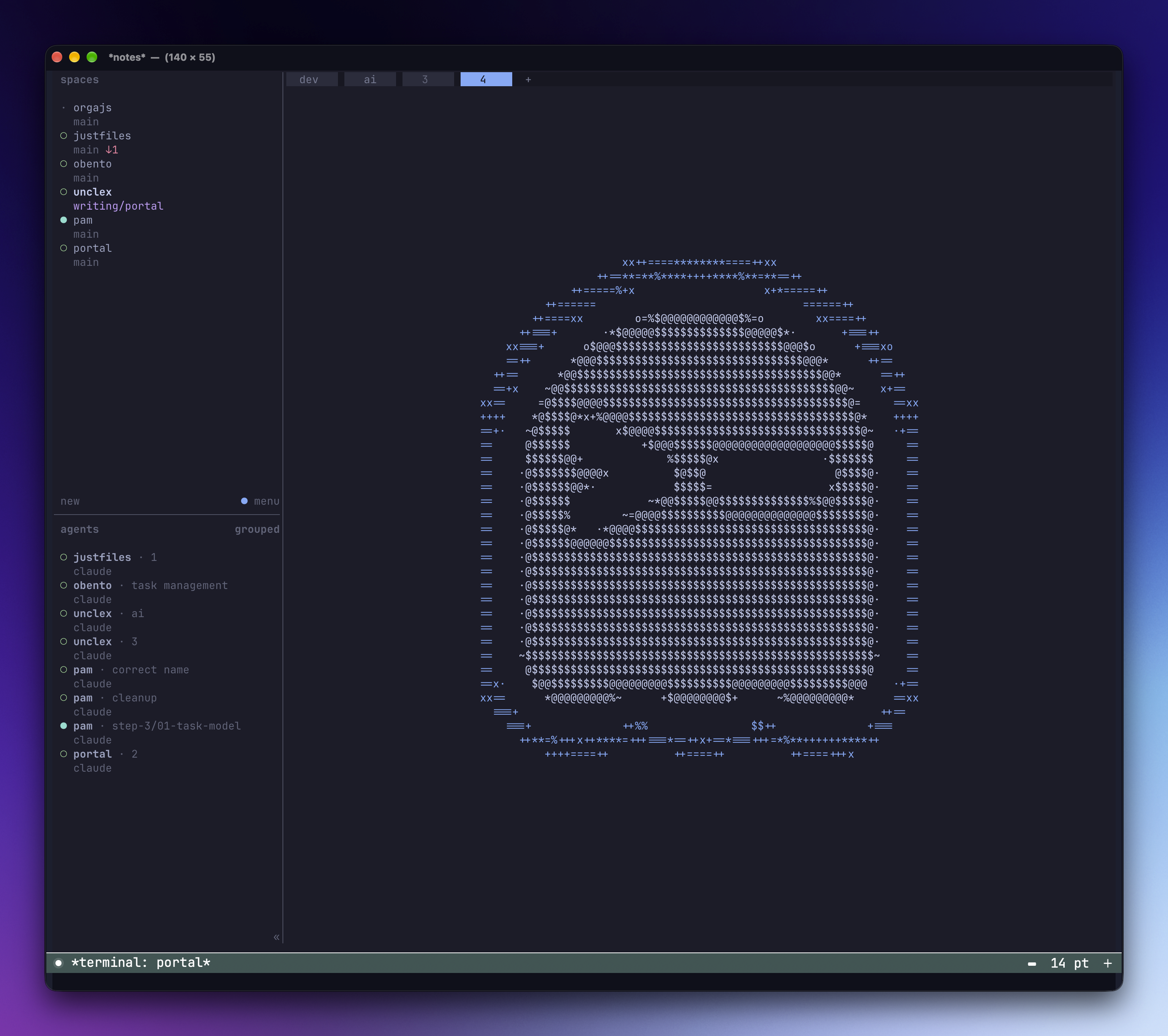
So I thought, maybe I should just render Ghostty in Emacs directly, as a native view, the same way as the web view. So I did. It's the real Ghostty renderer, sitting in an Emacs pane, and the buffer around it is still a normal Emacs buffer. I can split it, switch to it with consult-buffer, give each project its own terminals, and pull up a quick scratch terminal at the bottom of the frame. I was very happy.
Daily driving it
I've been using the Portal terminal as my daily driver since. It works perfectly, and I haven't opened Ghostty as a separate app for weeks.
There was one rough patch. My MacBook is connected to a dock with two 4K monitors, and every now and then, after I unplugged it from the dock, the terminal would freeze, which takes down emacs as well. It turned out to be a bug in Ghostty itself, not in Portal: the renderer deadlocks when an external display is disconnected or reconnected (ghostty#14427, a follow-up to the sleep/wake variant in ghostty#14150). The standalone Ghostty app hits the same freeze. A fix landed upstream recently, and since the last update I haven't seen it.
Still, the terminal runs inside the Emacs process, so a frozen terminal can take Emacs down with it. To be cautious, I run a multiplexer like tmux or herdr inside the terminal. If anything goes wrong, the sessions survive and nothing is lost.
The catch
It's macOS only, by design. It needs a graphical Emacs with dynamic modules, and the module runs inside the Emacs process, so a bug in it can take Emacs down with it.
It's open source now. How to install it, and what you can build on it, is on the project page.
Related projects
A portal from Emacs to the rest of the computer: native macOS views inside Emacs panes.